
AI Imports
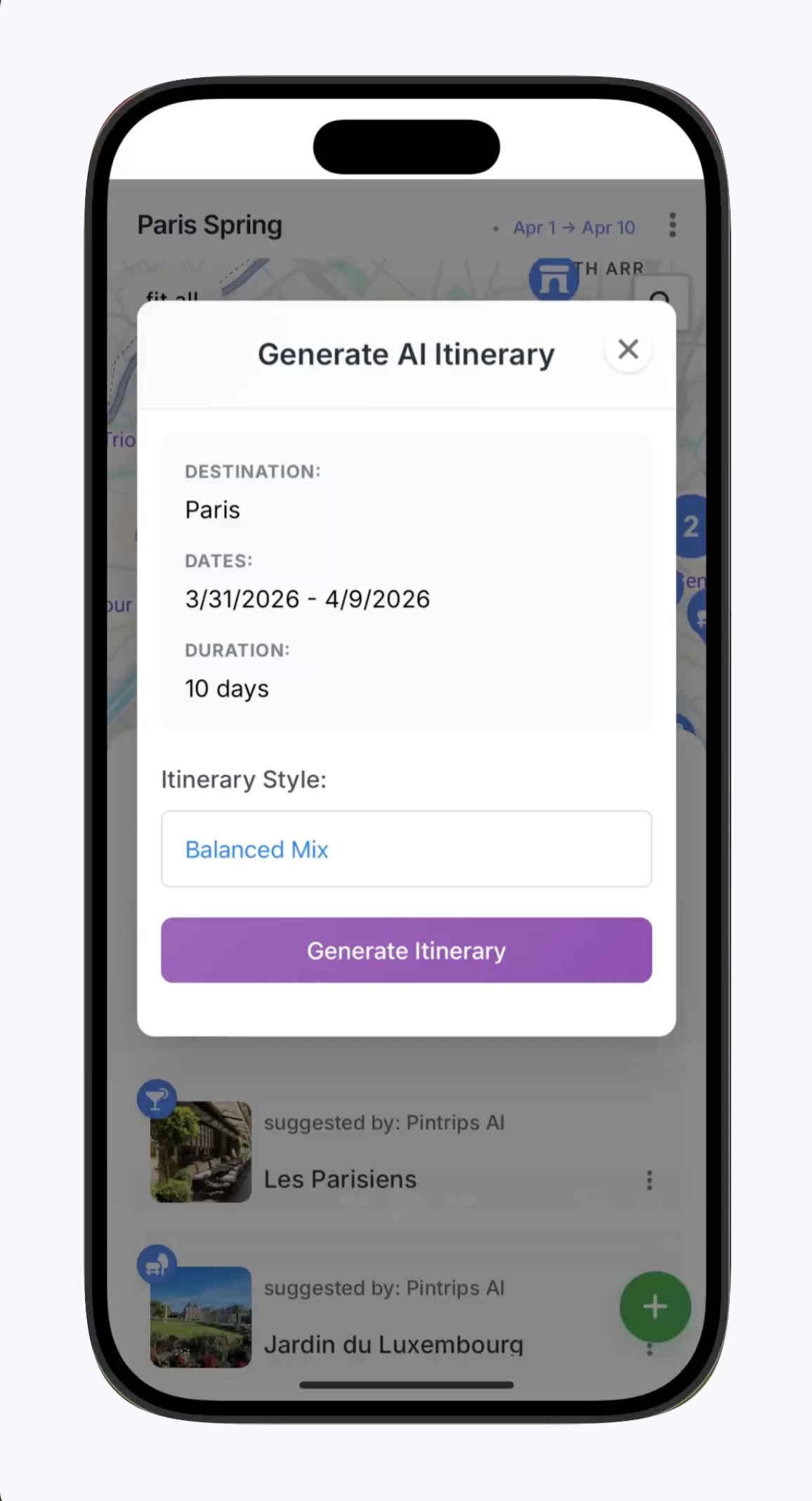
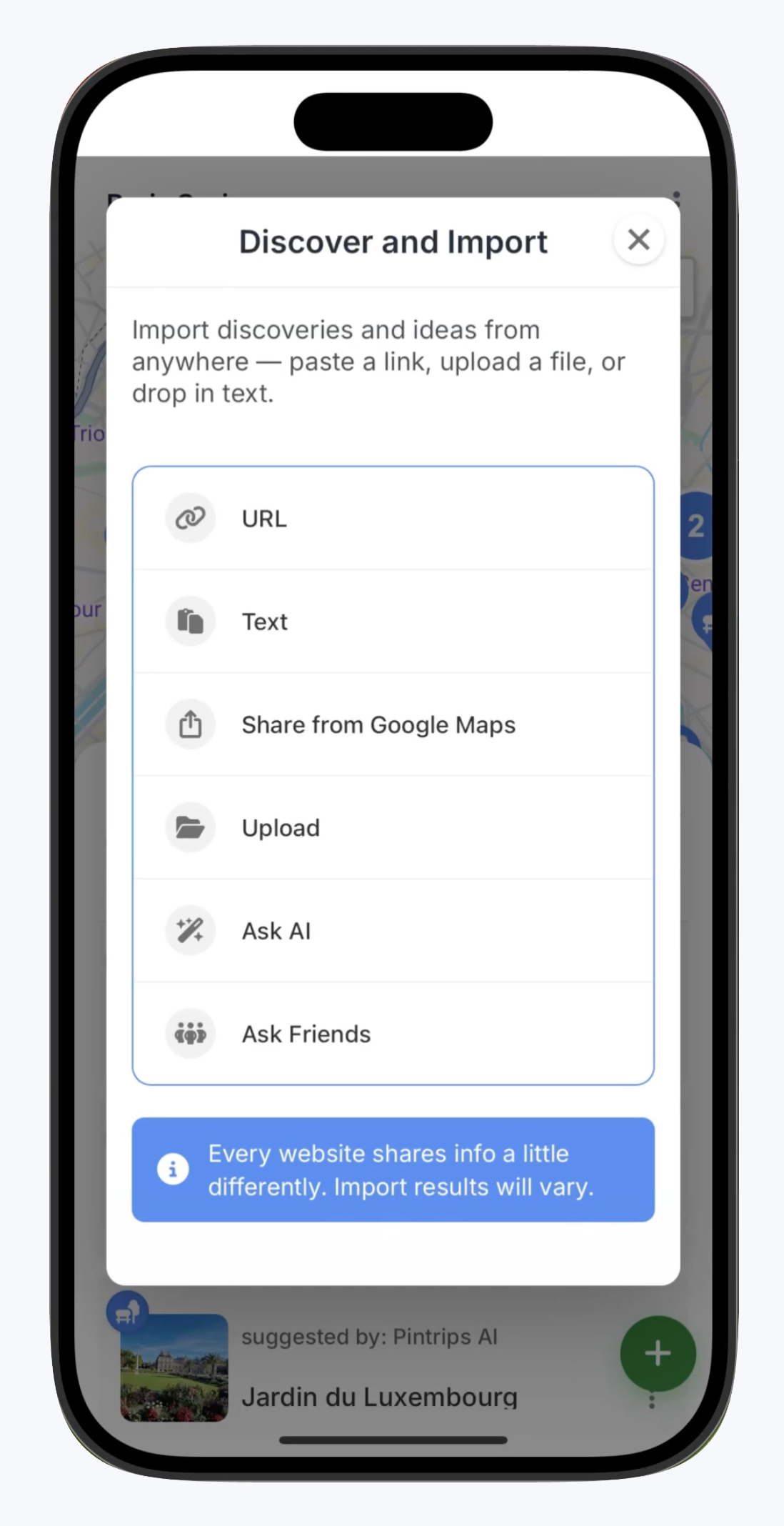
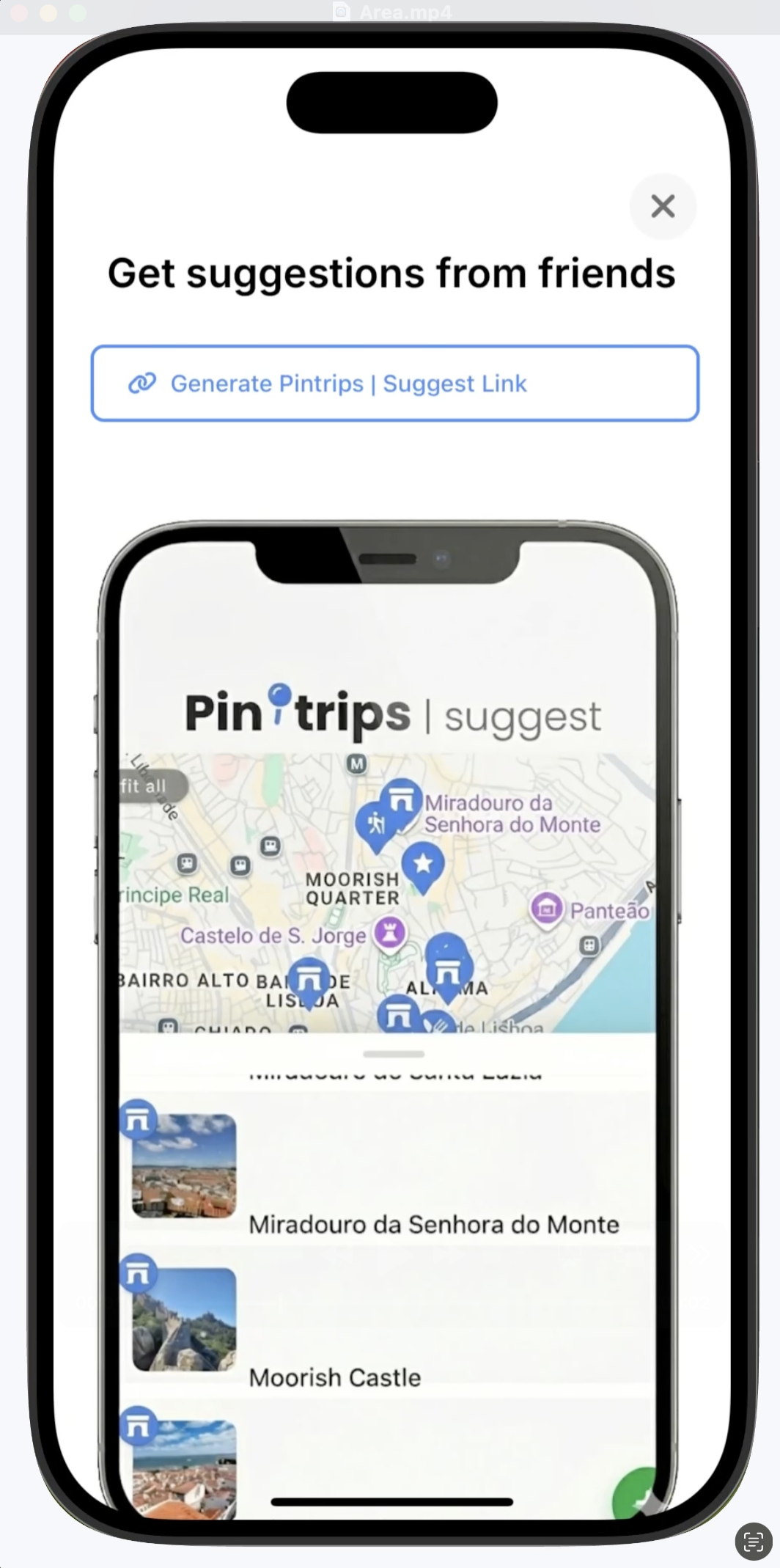
Paste texts, emails, or links — PinTrips pulls out places, hours, neighborhoods, and maps. Skip the copy‑paste tedium.
Drop in a travel blog, a Reddit thread, or a Google Maps link — PinTrips extracts every place and pins it on your map. Then plan, collaborate, and share. No ads. No booking pressure.
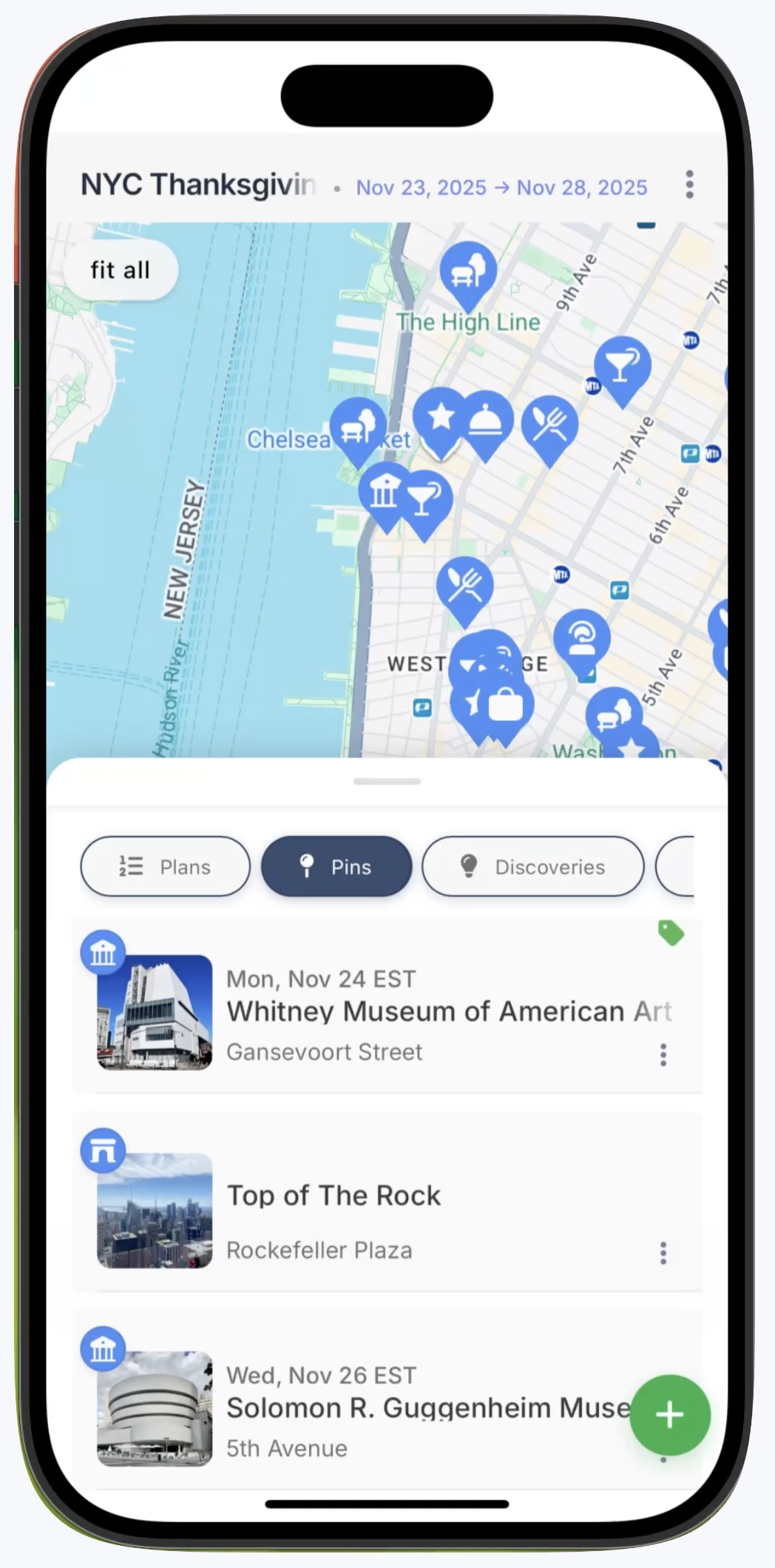
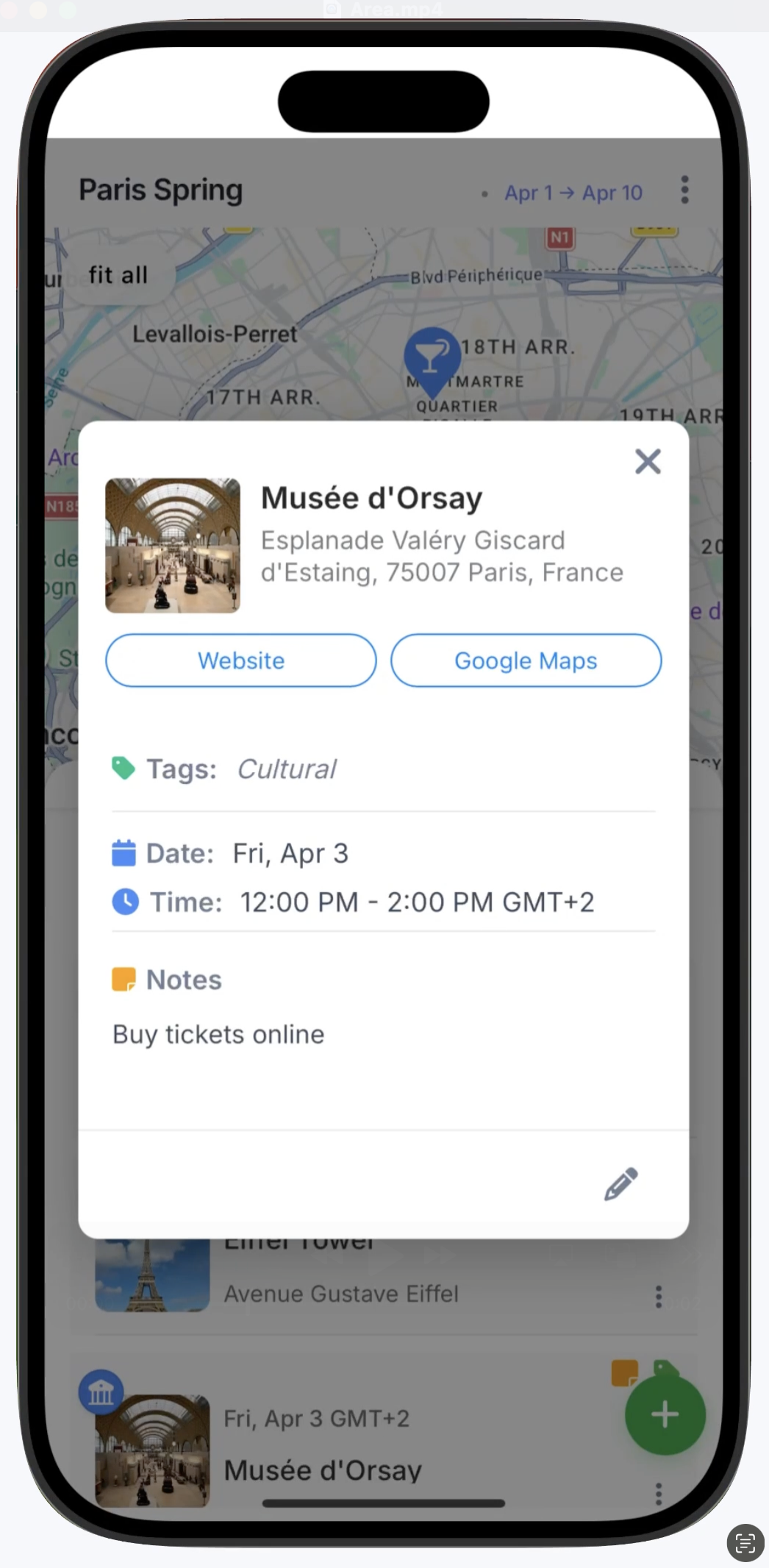
Save your places
Tag, filter, and sort your trip any way you want—by day, vibe, neighborhood, or anything else.
Import from anywhere
Your ideas don't stay buried in links or posts—PinTrips turns them into places you can organize, plan, and build from.
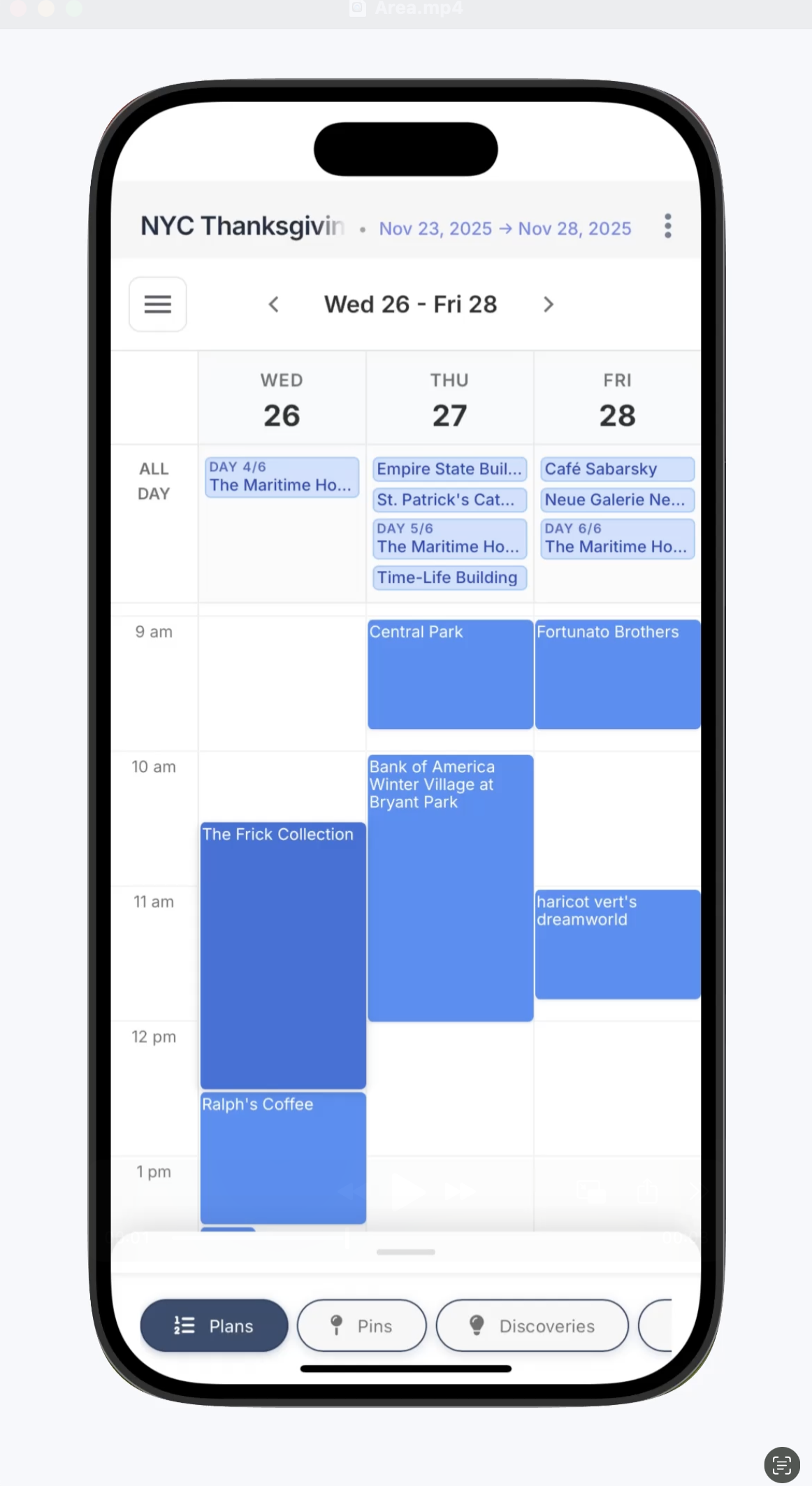
The calendar you expect
A familiar day-by-day calendar. Drop your places onto any day, switch between day, week, and month views — or leave things unscheduled until you're ready.
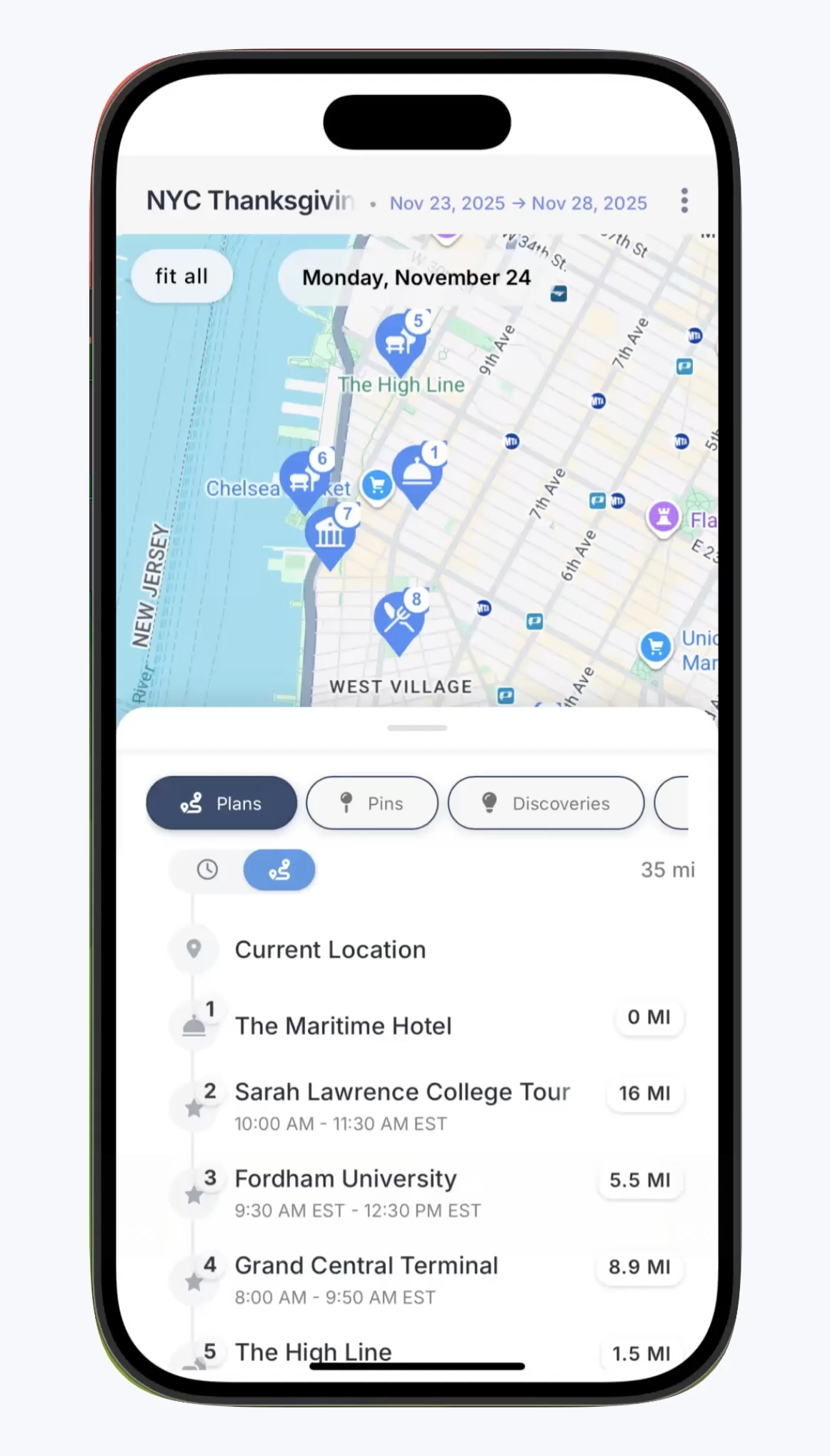
When you're on the move
See every stop on the map with distances, timing, and routes—so you can tell at a glance whether your plan flows or falls apart.
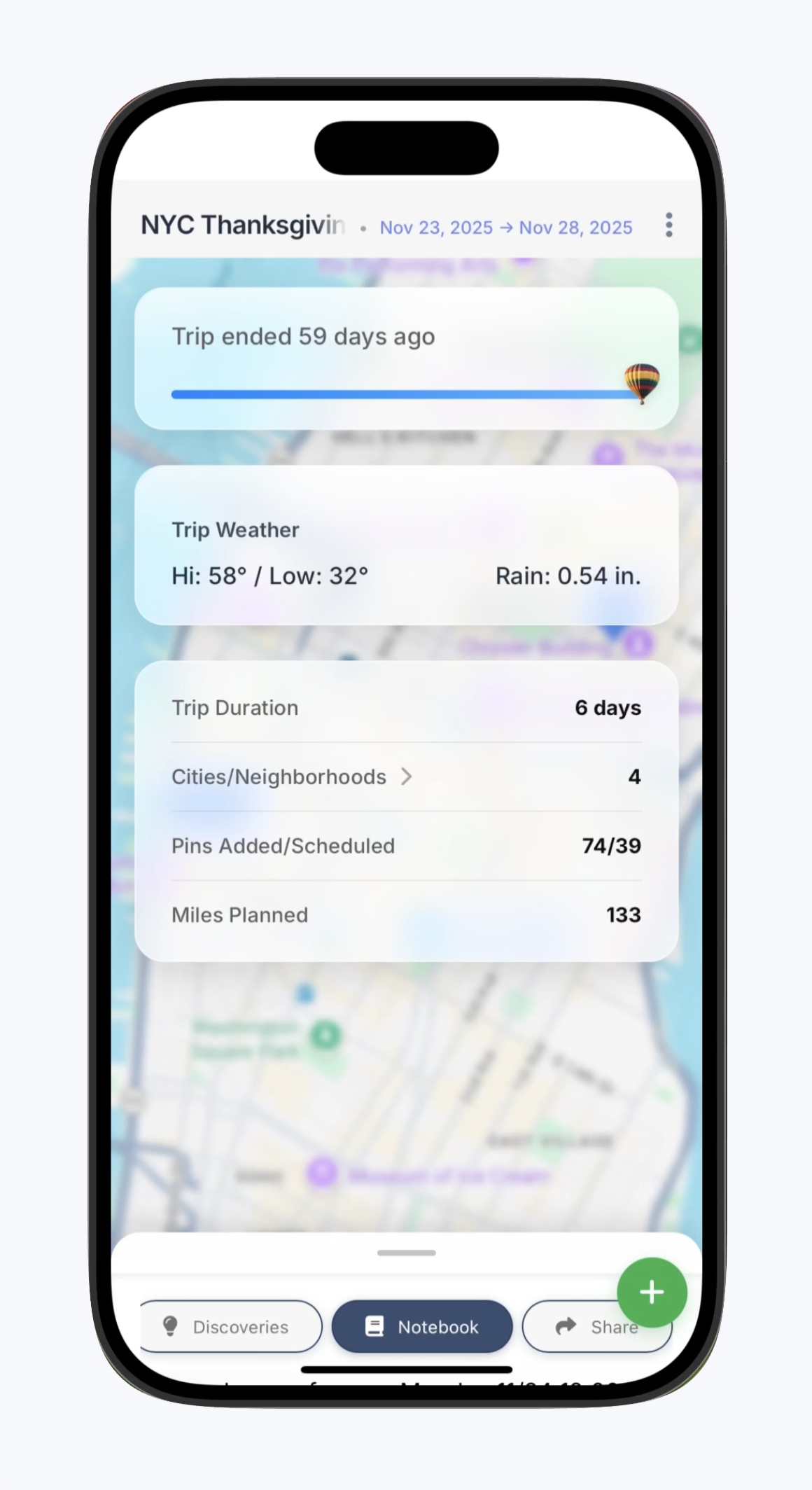
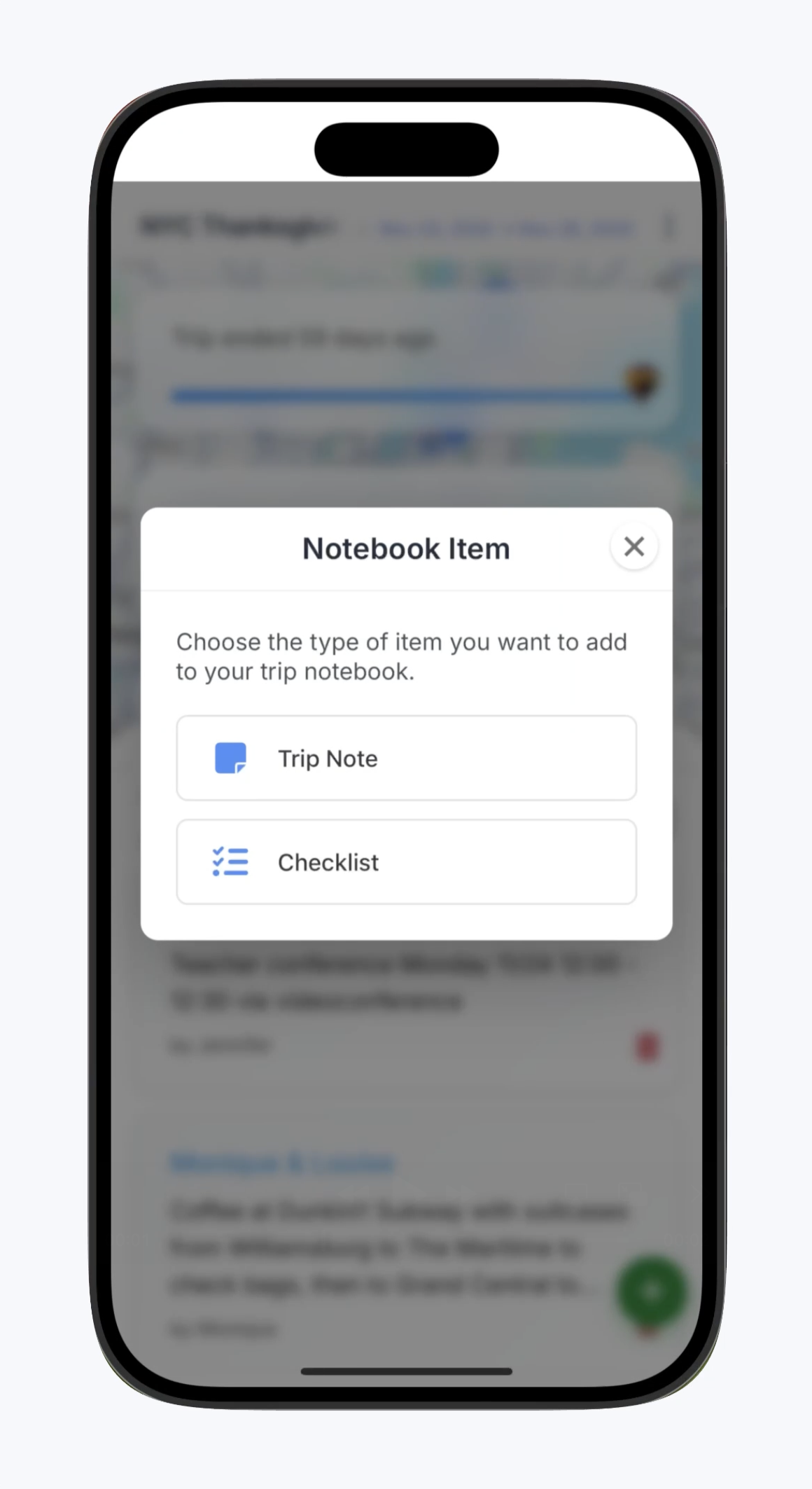
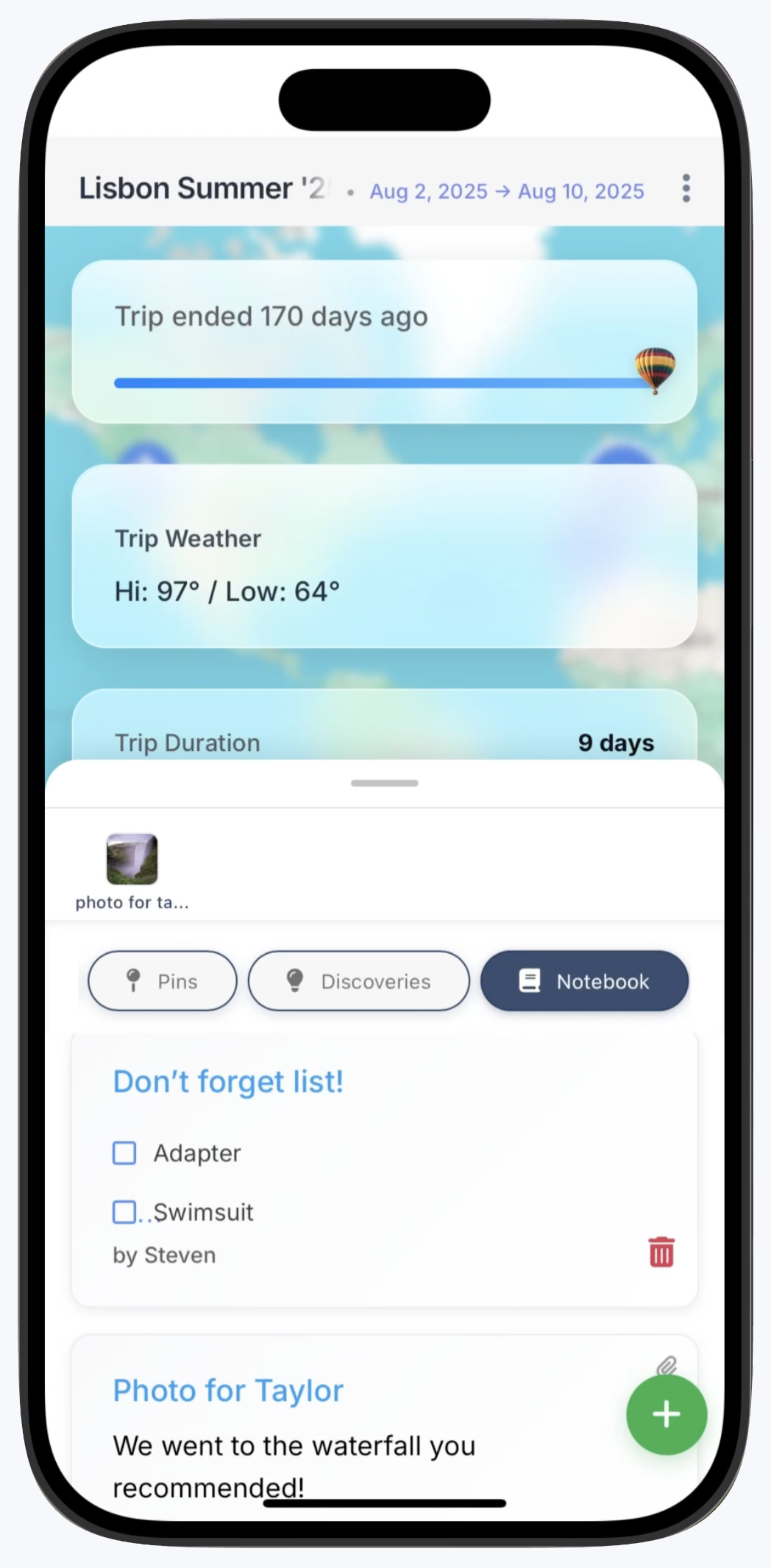
A notebook built for travel
Add notes, checklists, files, and photos—keep them private or share what you want.
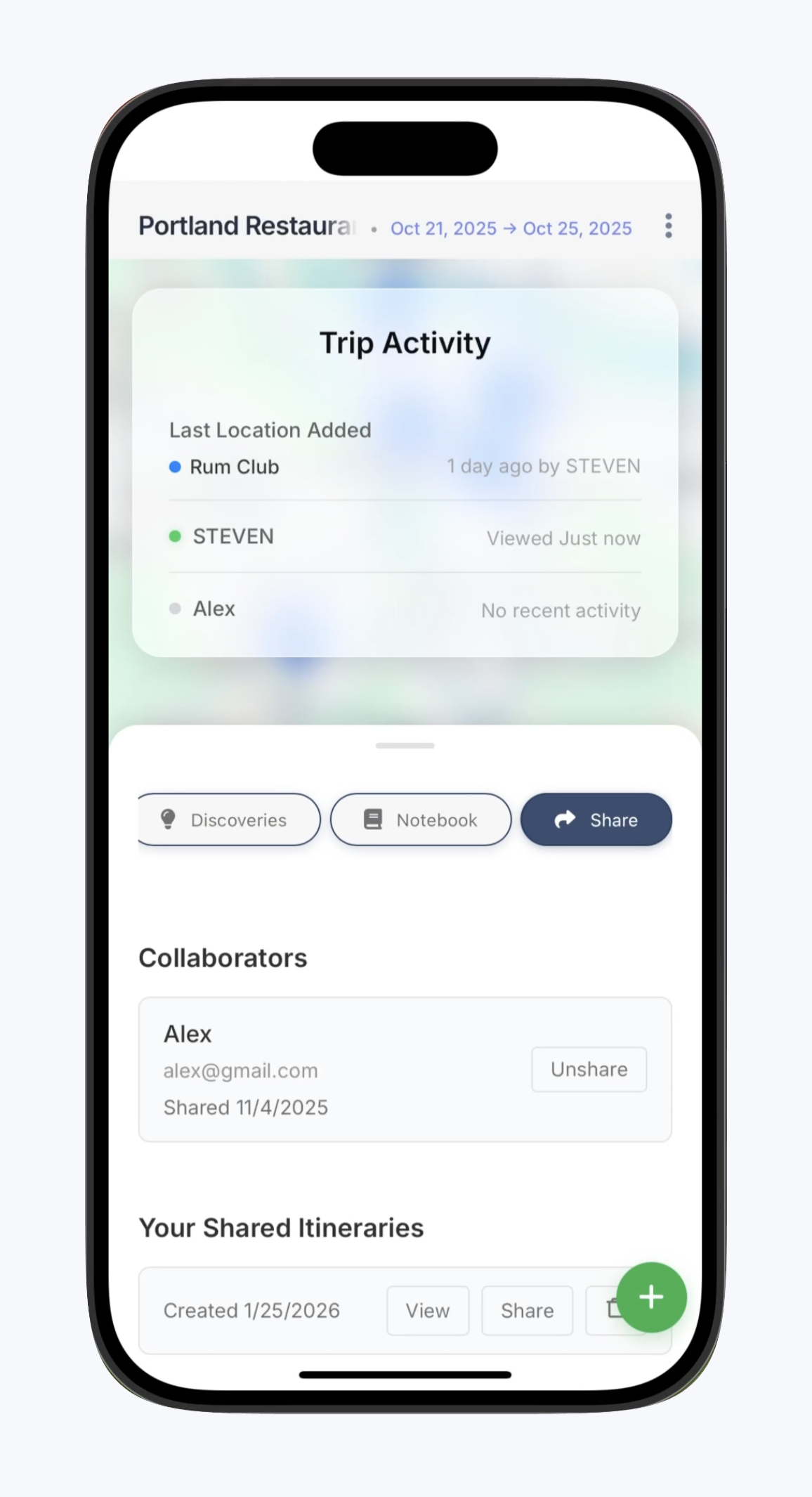
Plan together. Share with all
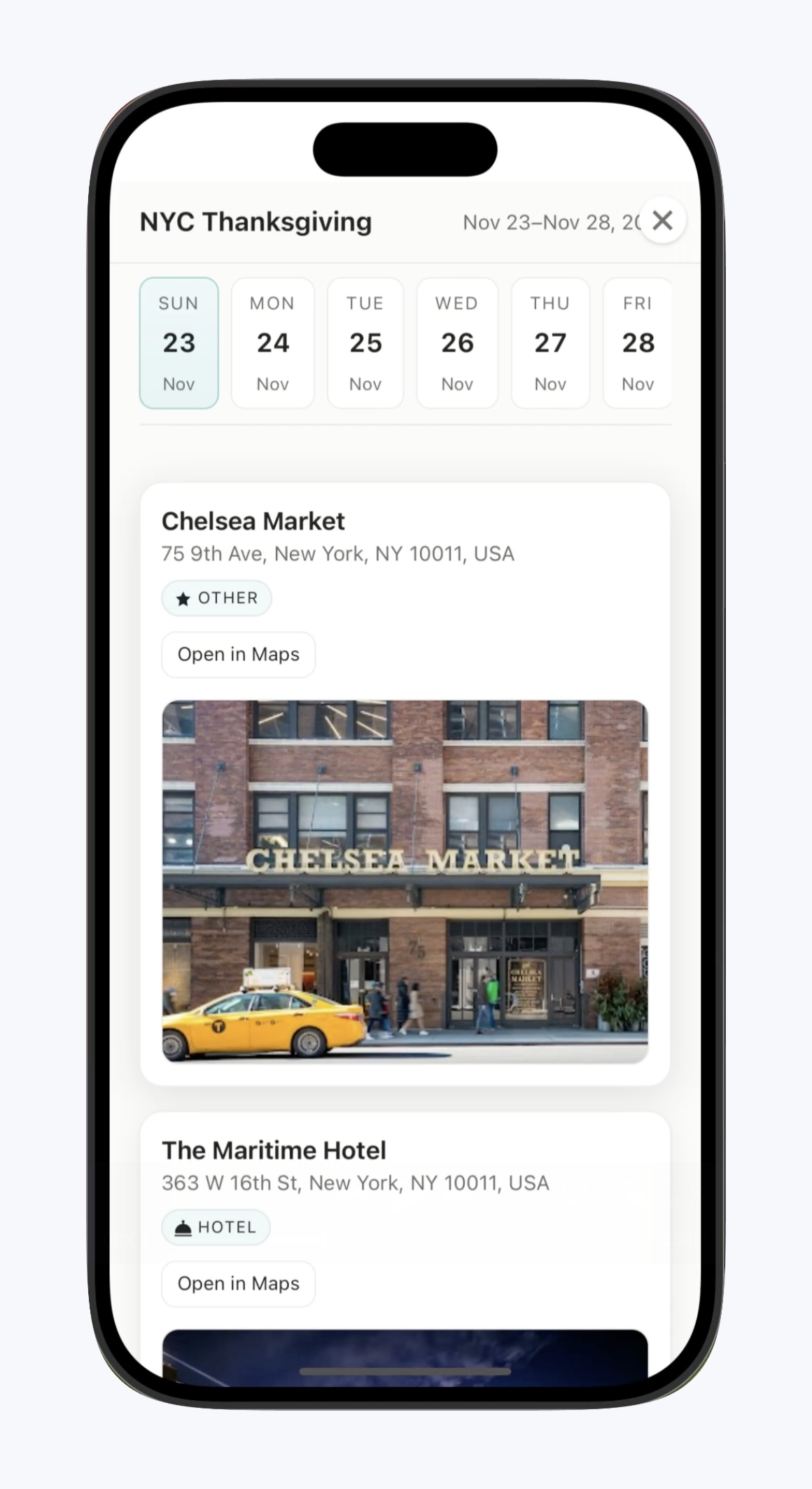
Work together in real-time or create beautiful public itineraries to share.
Available now on iOS and Android.


Apple and the Apple logo are trademarks of Apple Inc. Google Play and the Google Play logo are trademarks of Google LLC.
We'll get back to you at support@pintrips.io